Examples#

This page contains short examples demonstrating common tasks using orix. It is broken up into sections covering specific topics.

For longer in-depth guides, see our Tutorials. For descriptions of the functions, modules, and objects in orix, see the API reference.

Note

Making examples is a work in progress. The Tutorials represent a complete showcase of the existing functionality in orix.

Crystal maps#
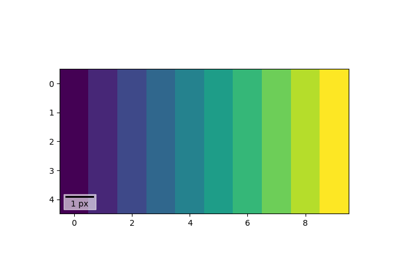
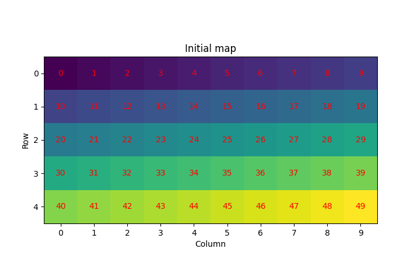
Create empty crystal map

Create empty crystal map

Select and modify data

Select and modify data

Crystal phase#

Examples showing how to create and work with crystal phases.

Create crystal phase

Create crystal phase

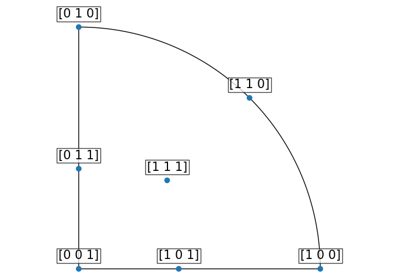
Crystal reference frame

Crystal reference frame

Inverse pole figures#

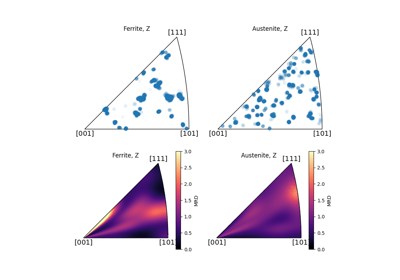
Inverse pole density function

Inverse pole density function

Misorientations#

Misorientation from aligning directions

Misorientation from aligning directions

Orientations#

Orientation from aligning directions

Orientation from aligning directions

Plotting#

Color scatter plots

Color scatter plots

Visualizing orientations

Visualizing orientations

Subplots

Subplots

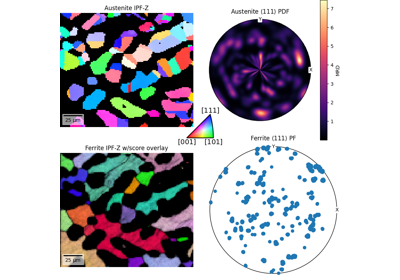
Interactive crystal map plot

Interactive crystal map plot

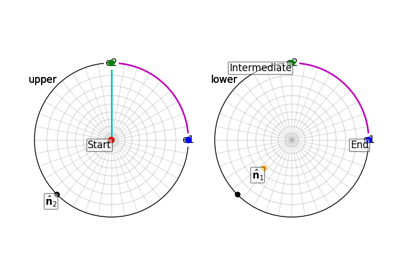
Visualizing paths between rotations and vectors

Visualizing paths between rotations and vectors

Rotations#

Rotating z-vector to high-symmetry crystal directions

Rotating z-vector to high-symmetry crystal directions
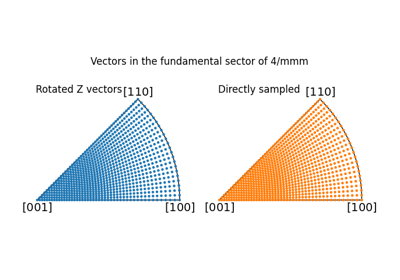
Rotations mapping the fundamental sector on S2

Rotations mapping the fundamental sector on S2

Combining rotations

Combining rotations

Stereographic projection#

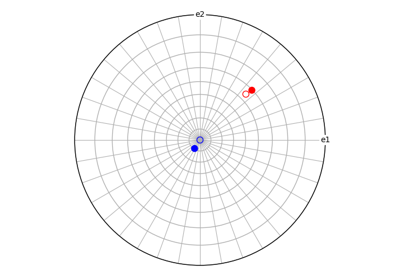
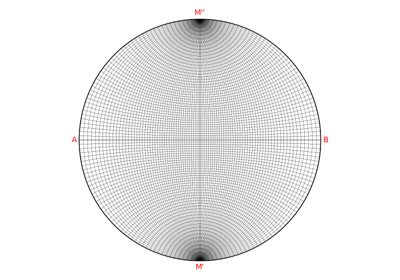
Wulff net

Wulff net

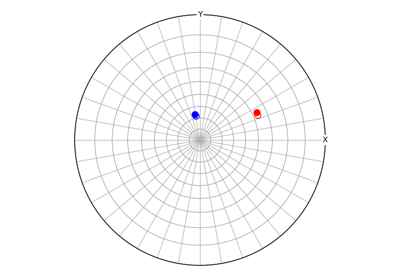
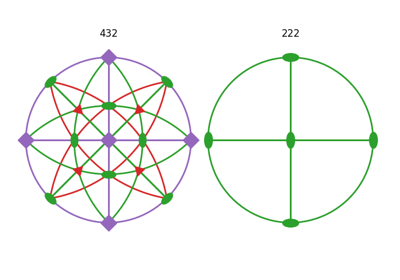
Plot symmetry operations

Plot symmetry operations

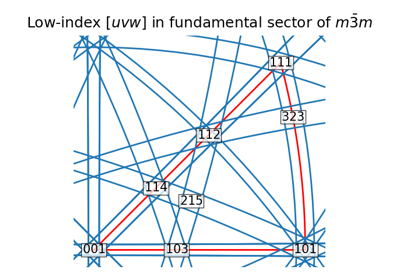
Restrict to fundamental sector

Restrict to fundamental sector

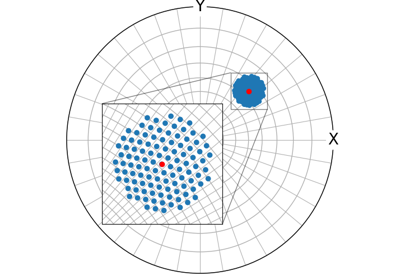
Zoom region inset

Zoom region inset

Crystal symmetry#

Create crystal symmetry

Create crystal symmetry

Gallery generated by Sphinx-Gallery